Professional Elementor Pro Developer for Modern WordPress Sites
A custom-designed WordPress site built in Elementor Pro, so you can update pages, swap images, and add new sections yourself — without needing a developer for every small change.
Why Elementor Is the Right Fit for a Lot of WordPress Projects
Not every WordPress project needs a fully custom-coded theme. If you’re a small business owner who wants to update your own homepage, add a new service page, or swap out images without emailing a developer every time, that ease of editing matters more than shaving off the last few milliseconds of load time. Elementor Pro, built well, gives you exactly that — a visual, drag-and-drop editor sitting on top of WordPress that your team can actually use.
The catch is the same one that applies to any page builder: it’s easy to end up with a bloated, slow site if it’s built carelessly, stacking widgets and add-on plugins without much structure. Built properly — using Elementor’s Theme Builder for consistent headers and templates, keeping the widget usage disciplined, and optimising images and loading — an Elementor site can be both fast and genuinely easy for you to manage long after launch.
Why Choose Me for Elementor Development
I build Elementor sites the same way I approach any WordPress project — starting with your content and goals, not a template. Pages are built using Elementor Pro’s Theme Builder for consistent, reusable headers, footers, and templates, which keeps the site coherent as you add pages later rather than each one drifting from the last.
Because this sits within WordPress, everything I know about building WordPress properly — clean plugin selection, performance, security — carries over into how I set up your Elementor site. And once it’s live, I’ll walk you through exactly how to edit your own pages, so you’re not stuck guessing at a tool you’ve never used before.
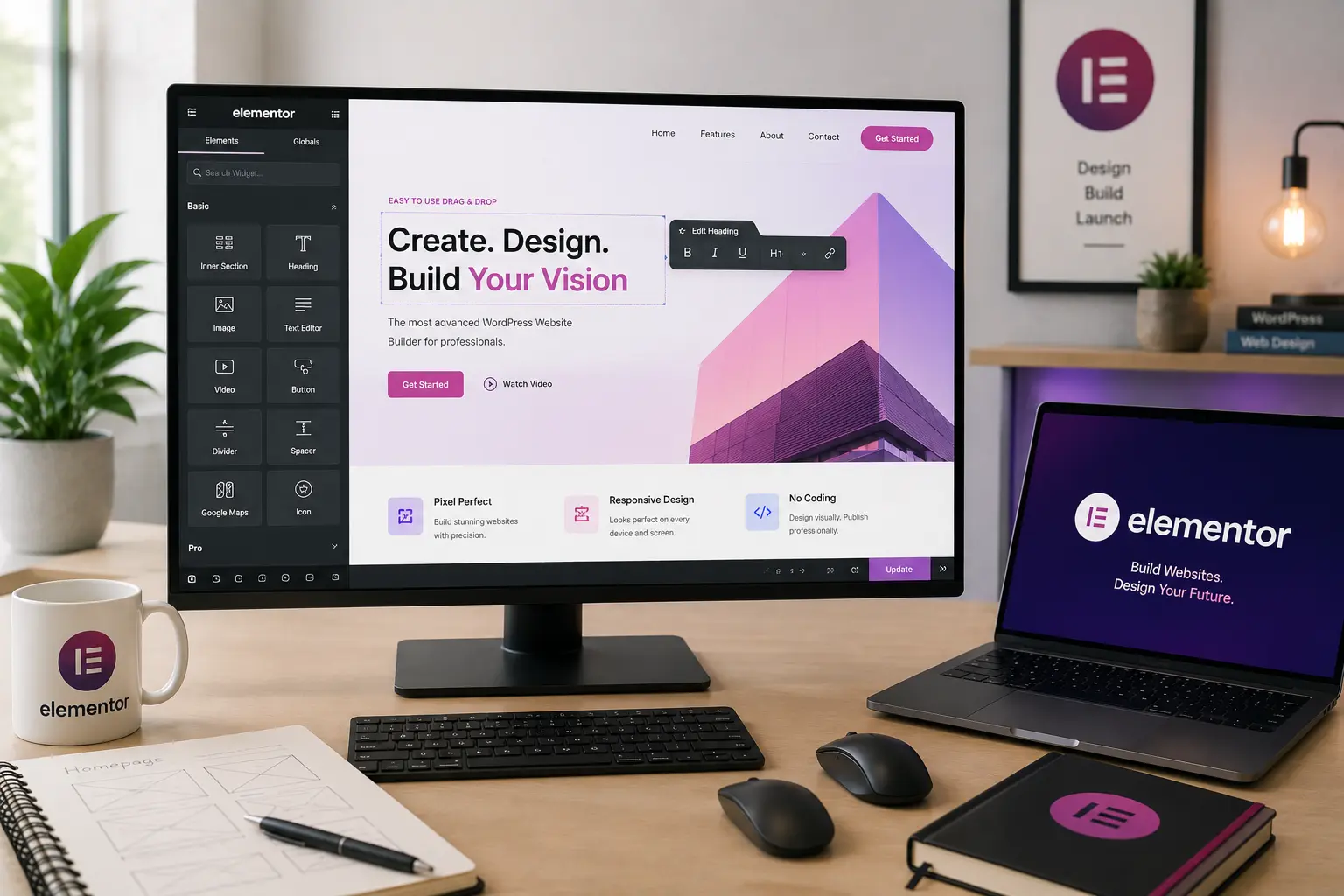
Full control, built around you
What's Included
Custom Elementor Design
Pages designed and built in Elementor to match your brand, not assembled from a generic template kit.
Theme Builder Setup
Reusable headers, footers, and templates built for consistency as your site grows.
Dynamic Content Templates
Blog and archive layouts set up so new content automatically follows your design.
Performance Optimisation
Deliberate widget use and image optimisation to avoid the slowdown common with page-builder sites.
Editor Training
A walkthrough of how to edit your own pages, so you're confident using the site after handoff.
Post-Launch Support
Fixes and guidance after launch as you get comfortable managing the site yourself.
Ready to Start Your Project?
Tell me what you need and I'll come back within 24 hours with honest advice and a clear quote.
Frequently Asked Questions About Elementor Development
An Elementor build gives you a visual editor to make your own changes after launch, which is ideal if you want ongoing control without hiring a developer for every update. A custom-coded theme is generally faster and leaner, which suits projects where editing flexibility matters less than raw performance. Both are worth discussing based on your priorities.
It can, if it’s built carelessly with excessive widgets and unoptimised images. Built deliberately — using the Theme Builder properly and keeping the plugin stack minimal — an Elementor site can perform well.
Yes. I’ll walk you through the editor as part of handoff, and Elementor Pro’s visual interface is built for non-technical users to add sections, swap images, and update text confidently.
Elementor Pro, which includes the Theme Builder, dynamic content options, and additional widgets needed for a fully custom, professional build.
Yes, Elementor Pro integrates with WooCommerce for store pages and product layouts, though for high-volume or highly customised stores, a more code-focused WordPress build may be worth considering.
A standard small business site usually takes one to three weeks, depending on the number of pages and how much dynamic content is involved. You’ll get a clear estimate with your quote.
Yes. I regularly audit and clean up existing Elementor sites — removing unnecessary widgets, tightening up the Theme Builder setup, and optimising images and loading.
Let's Build a Site You Can Actually Manage
Tell me about your project and I'll come back within 24 hours with honest advice and a clear quote.