Freelance Webflow Developer for Fast, Pixel-Perfect Builds
A visual, code-free CMS on the backend, and a site built to match your design exactly on the front no plugin stack, no server maintenance, just a fast, editable site.
Why Businesses Choose Webflow
Webflow occupies an interesting space between a page builder and hand-coded development. It outputs genuinely clean HTML and CSS behind the scenes, hosts everything for you, and gives non-technical team members a visual CMS to update content without needing a developer for every change. For marketing sites, portfolios, and startups that want design precision without the ongoing maintenance overhead of a self-hosted CMS, it’s often the right call.
The trade-off is that getting the most out of Webflow — proper CMS collections, clean class naming, interactions that don’t fight the responsive layout — takes more care than dragging elements onto a canvas. A Webflow site built well feels genuinely fast and polished. One built carelessly can end up just as messy as a poorly built WordPress site, just in a different tool.
Why Choose Me for Webflow Development
I build Webflow sites the way I’d build any project — starting from a clear design, whether that’s a Figma file or a design we work through together, and translating it into Webflow with attention to structure, not just visuals. CMS collections are planned around how your content actually needs to be managed, and class naming is kept clean and consistent so the project stays easy to edit later, whether that’s you or another developer.
Interactions and animations are used deliberately, to support the design rather than distract from it. And because Webflow handles hosting and most technical maintenance for you, the result is a site that’s easy for your team to keep updated without needing to call a developer for routine content changes.
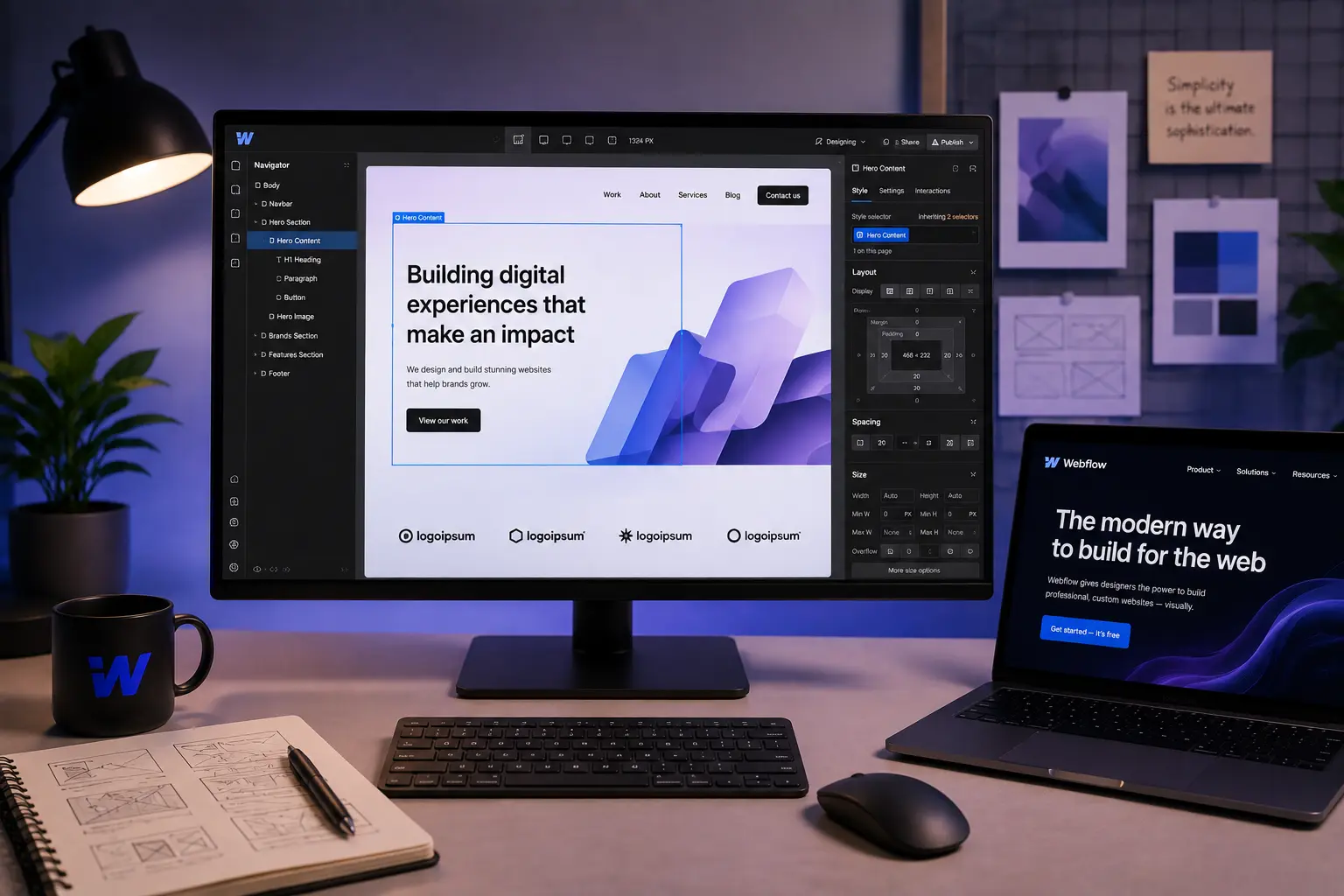
Full control, built around you
What's Included
Design-to-Webflow Build
Your design translated into Webflow with close attention to spacing, typography, and structure.
CMS Collections Setup
Content structured as proper CMS collections, so your team can add or edit content without touching the layout.
Interactions & Animation
Scroll effects, hover states, and transitions added deliberately to support the design.
Responsive Build
Every page built and tested across mobile, tablet, and desktop breakpoints.
SEO & Performance Setup
Meta settings, clean structure, and fast-loading pages configured from launch.
Launch & Handoff Support
Guidance on managing the CMS after launch, plus support for questions that come up.
Ready to Start Your Webflow Design Project?
Tell me what you need and I'll come back within 24 hours with honest advice and a clear quote.
Frequently Asked Questions About Webflow Development
Webflow is a strong fit if you want a fast, visually precise site without managing hosting, plugins, or security updates yourself. WordPress tends to make more sense if you need deeper customisation, a large content library, or e-commerce at scale — it’s worth discussing which fits your specific project.
Yes. Webflow’s visual CMS lets non-technical team members edit content, add blog posts, or update collections without needing to touch code.
Both. I can build from a Figma design you already have, or design the site from scratch as part of the project.
Yes, Webflow has built-in e-commerce functionality, which works well for smaller to mid-sized stores. For high-volume or highly customised stores, WooCommerce on WordPress is usually a better fit.
Webflow hosts the site directly, so there’s no separate server to manage or secure — updates and infrastructure are handled by Webflow itself.
A standard marketing site usually takes one to three weeks, depending on the number of pages and CMS complexity. You’ll get a clear estimate with your quote.
Yes. I can rebuild an existing site in Webflow, preserving content and structure where it makes sense for SEO continuity.
Let's Build Your Site in Webflow
Tell me about your project and I'll come back within 24 hours with honest advice and a clear quote.